Bookkeeping you just talk to.
Ask Mint is an AI assistant that lives inside your books. Ask it anything in plain English, or tap a question, and it answers from your own invoices, expenses and VAT in seconds. Then it does the job for you: chases late payers, sends your drafts, turns quotes into invoices, logs your mileage and writes the letter.
No card to start. 20 AI credits on sign up. Answers from your books never use one.
Smart first. AI last.
Most AI tools guess and charge you for every question. Ask Mint is different. It checks your books first, then its own help, and only calls on the AI when you need something written or worked out. You always see the cost before it is spent.
Answers from your own figures
Money owed, late payers, profit this year, this month's takings and your VAT bill come straight from the same sums as your Mint Books pages. Exact, every time.
How to do anything
Ask how to raise a credit note, add your logo, set up a repeating invoice or book an eBay payout. You get the answer in two lines and a button that takes you there.
Thinks and writes for you
Questions that need real thought, like what you can usually claim or how to plan for your tax bill, plus polite chase letters for late payers. Ask Mint asks before it uses a credit, and if it cannot answer, the credit comes back.
Ask it like you'd ask your bookkeeper.
No special words. Type it the way you'd say it in the van, or tap one of the quick actions on the home screen.
Your money
Real figures from your own books.
- Who owes me money?
- How much VAT do I owe?
- What's my profit this year?
- How much did I take this month?
- How's the business doing?
Get it done
One tap and it's handled.
- Chase my late payers
- Send my drafts
- Turn accepted quotes into invoices
- Add a 38 mile trip to Shrewsbury
- Scan a receipt1 credit
Help and advice
Plain answers, never jargon.
- How do I issue a credit note?
- How do I book my eBay payout?
- Where do I add my bank details?
- Write a polite chase letter1 credit
- Can I claim my work van?1 credit
Same Ask Mint. Laptop, iPhone, Android.
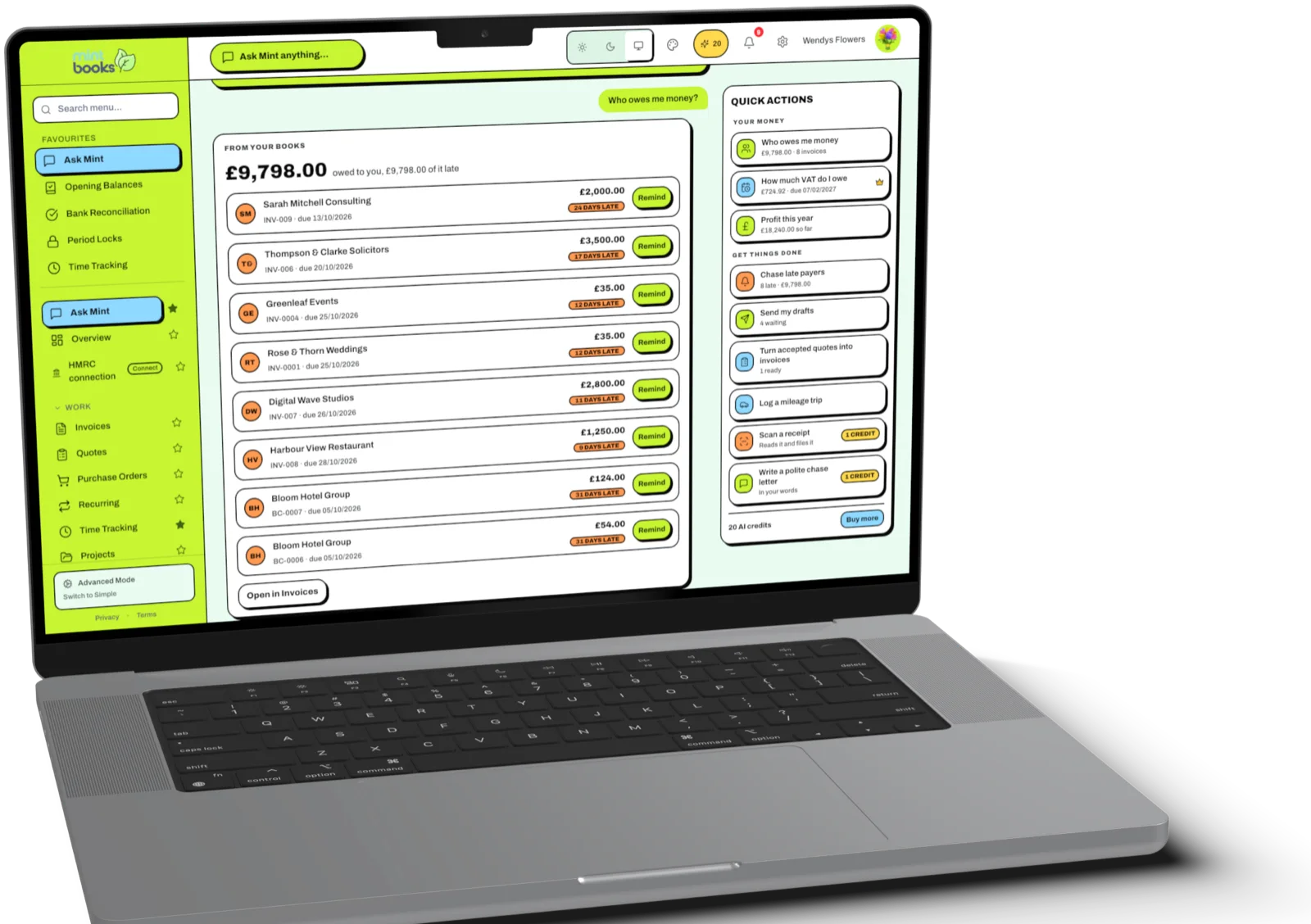
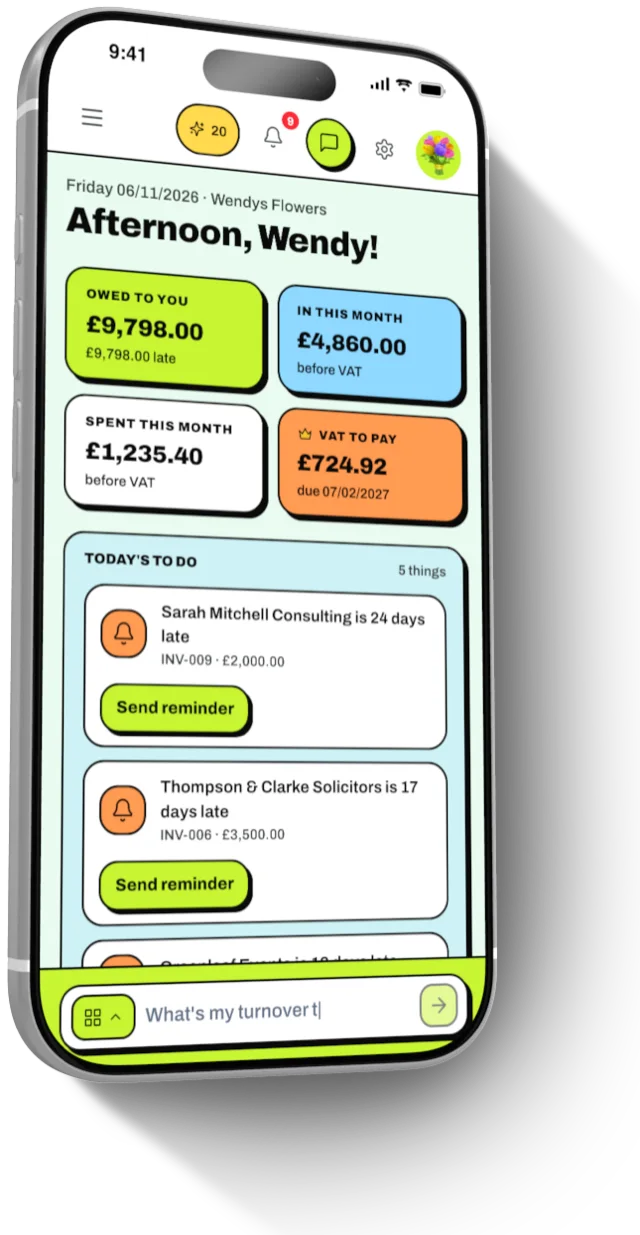
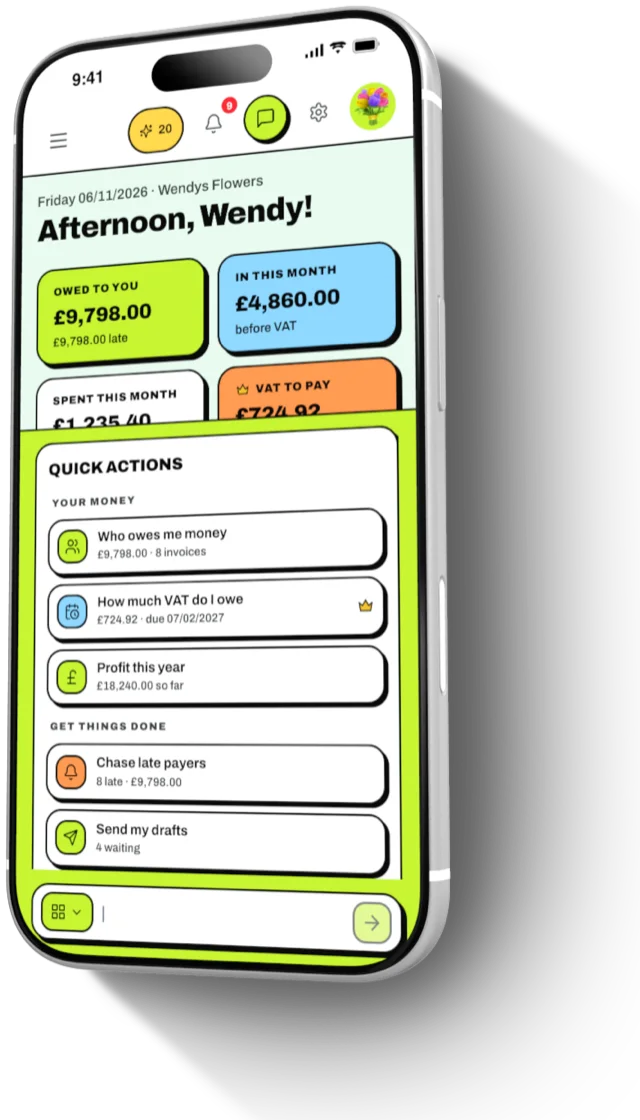
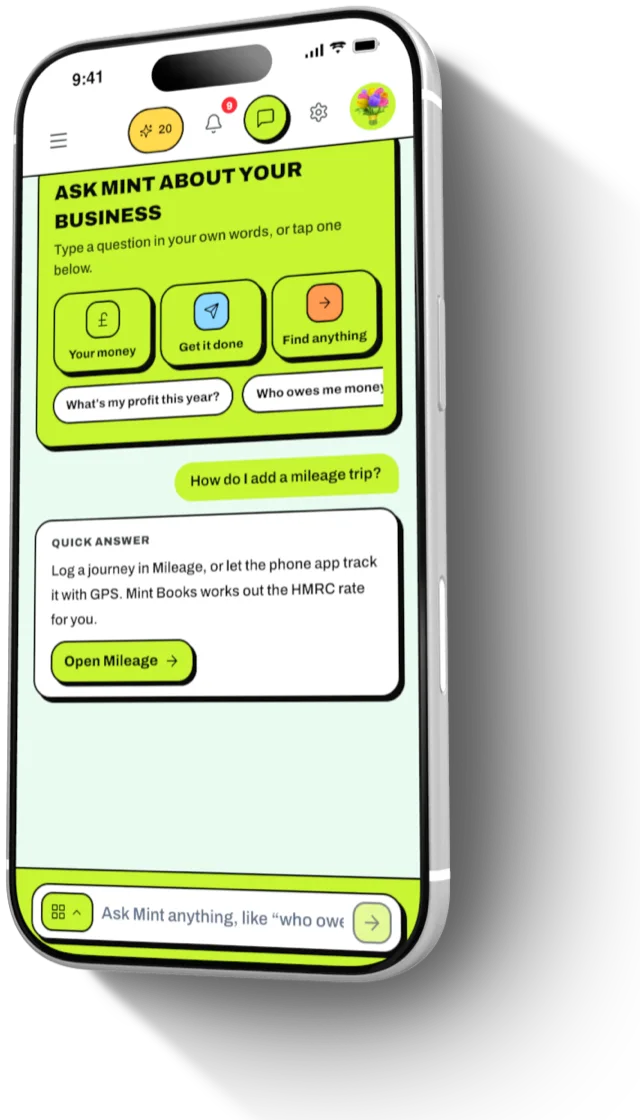
Screens show example figures.
Other software gives you menus. Mint Books gives you answers.
Typical bookkeeping software
- ×Find the right report, set the dates, read the columns
- ×Dig through invoices to see who hasn't paid
- ×Write every chase email yourself
- ×Search a help centre for how to do one thing
- ×Bolt on AI that charges for every question
Mint Books with Ask Mint
- ✓Ask in plain words, get the figure in seconds
- ✓Late payers listed with a Remind button beside each
- ✓A polite, firm chase letter written for you
- ✓How to answers with a button straight to the page
- ✓AI only when it's worth it, and always asks first
It never makes up a figure.
Your numbers, not a guess
Every figure comes from your own records, worked out by Mint Books. The AI is only ever shown those same figures and is told never to invent one.
Asks before it spends
Anything that uses a credit is marked, and Ask Mint checks with you first. Nothing is spent behind your back.
No answer, no charge
If the answer isn't in your books, or the AI can't help, your credit comes straight back and you get the page that has it.
Your role, your data
Ask Mint follows the same permissions as the rest of Mint Books, so staff only see what their role allows.
Ask Mint, answered.
What is Ask Mint?
Ask Mint is the AI assistant built into Mint Books, UK bookkeeping and Making Tax Digital software. It answers questions about your business from your own books, does common jobs in one tap and explains how to do anything in the app.
What does it cost?
Ask Mint comes with every Mint Books plan. Answers from your books, one tap actions and how to help use no credits. Only AI work uses one credit each: free form questions, chase letters and receipt scans. You get 20 credits when you sign up, and top ups are 20 for £3.99, 50 for £5.99 or 100 for £8.99.
Will it spend credits without asking?
No. Anything that uses a credit is marked, and Ask Mint asks you before it spends one. If it can't answer, or something goes wrong, the credit is returned.
Are the figures right?
Yes. Money owed, profit, takings and VAT come from the same calculations as your Mint Books pages, so they match what you see there. The AI is only given those figures and never makes up its own.
Does it work on my phone?
Yes. Ask Mint is on the web, the iPhone app and the Android app, with the same quick actions everywhere.
Can it file my VAT return?
Ask Mint tells you what your VAT bill is and takes you to the VAT page, where you check the return and send it to HMRC yourself. It never submits anything to HMRC on its own.
Is this the same as connecting ChatGPT or Claude?
No. Ask Mint is built into Mint Books and works for everyone. If you also use ChatGPT or Claude, you can connect them to your books as well. See AI assistants.
Stop digging. Start asking.
Sign up, add a few invoices and ask "Who owes me money?". 14 days to try everything, no card to start.